Checking the System Log
xView keeps a log that records the events that occur as it runs — entering and leaving the program, changing the working hours, and so on.
To review it, open System Logged from the xView folder on the Start menu. It shows the following.
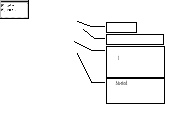
Figure 103 — Example of the system log
Note
The difference between set points in this version and in earlier ones is that the set point category now appears in front of the message.